Openers · Birchwood
Smart Garage Controller Setup in Birchwood
The house came with a controller already screwed to the garage ceiling and a sensor on the door, but the app insists the device belongs to another account. The seller has moved provinces, the emails go unanswered, and every evening the door still reports to a…
Smart Garage Controller Setup
In plain words
By the end of the visit your phone shows the door's true state, updates within a few seconds of any movement, and keeps a history of every open and close with the time, and the user when the command came from a signed-in app or virtual key. You can open the door for a delivery from the office, let a relative in for the weekend, and get a nudge if the door is still up at bedtime. Your remotes, keypad and wall button carry on exactly as before. And you understand the system well enough to add a user, change an alert or swap the sensor battery without calling anyone.
How the visit goesOne remote lives in a car you sold last spring. The other needs three presses from the driveway and its battery cover is taped on. Your phone is already in your hand when you pull in, and it would make a better opener.
Birchwood
How the visit goes
Whether the radio is already inside
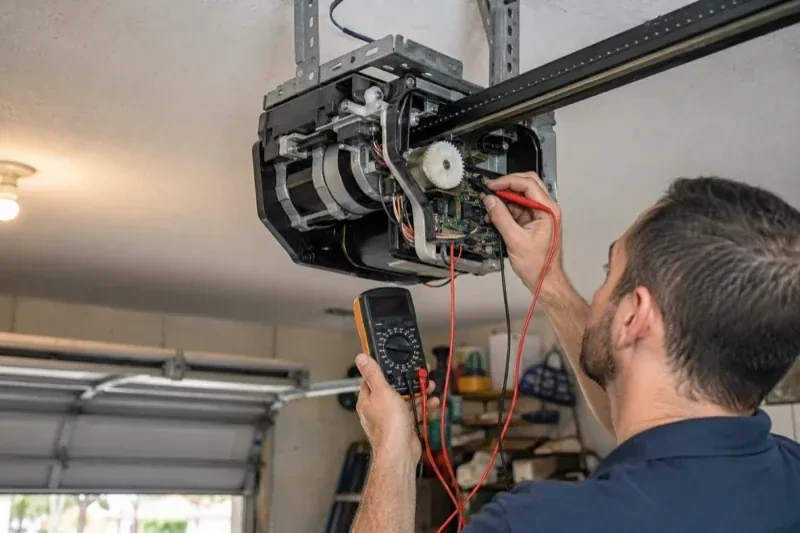
Many openers sold in the last several years already contain a wireless radio, and the check is simple: a network symbol printed on the head unit, a dedicated indicator light, or a mention of an app in the manual. When the radio is built in there is no hub to mount and no sensor to fit; the opener itself reports door position from its own travel sensing. The technician confirms the radio has not been paired to a previous owner's account, notes the serial number the app will ask for, and checks that the unit's firmware is a version the current app still supports. If so, the job becomes configuration rather than installation.
Mounting and teaching the door sensor
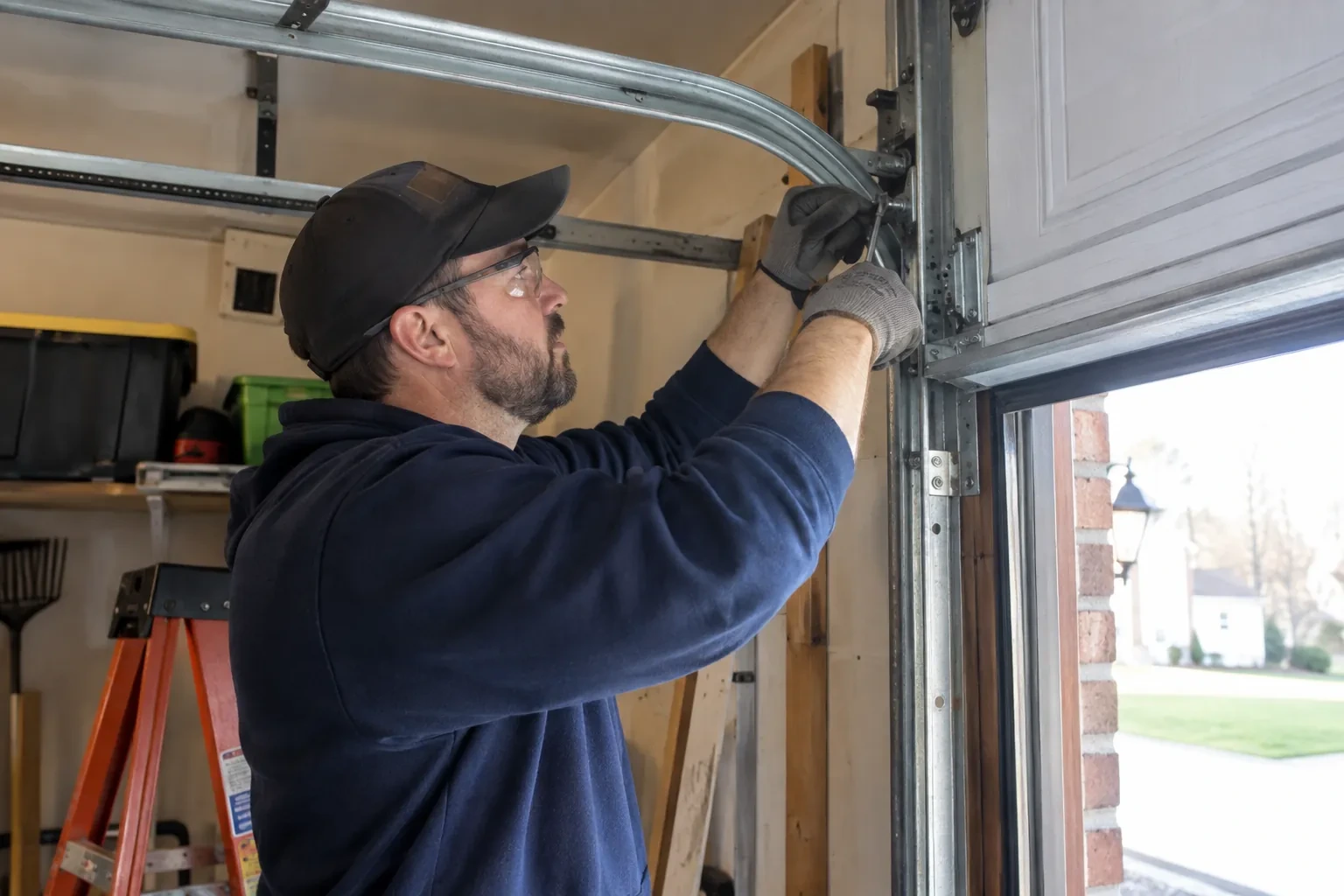
The sensor is fixed to the inside of the top door section with two screws, oriented the way its maker specifies so the tilt reading is unambiguous. Its battery goes in, and the hub is put into pairing mode to find it. The technician then follows the controller's own pairing procedure: some units come already programmed to their sensor and are simply verified through full cycles, others are taught the closed and open positions by cycling the door. Further cycles follow while the app is watched for the status to change within seconds of each end. A sensor that reports late or wrongly is repositioned rather than left to be second-guessed later.
Alerts that earn their place
You leave with a small set of notifications chosen on purpose rather than every option switched on. A left-open reminder after a set delay, a note when the door opens during hours nobody should be using it, and a message when a scheduled close has completed are the ones most households keep. If the alerts become noise, adjust the delays or turn one off rather than muting the app entirely, because a silenced app is the one that stays quiet on the night the door is up. The settings screen you were shown is where each of these lives, and changes take effect at once.
Smart Garage Controller Setup
In the van
- Receptacle splitter with approval mark
- A 2x4 offcut for the reversal test
- Door-position tilt sensor
- Plug-in power adapter
- Dry-contact adapter for encrypted openers
What affects the quote
Same fees day, night or weekend
1Built-in radio or retrofit hub
An opener whose wireless radio is already inside needs configuration and testing. An older opener needs a hub, a sensor, wiring or radio pairing and the same testing, which is a longer visit with hardware.
2Photo eyes needing attention first
Remote closing requires a working sensor pair. Realigning a bracket is small; replacing a failed pair and running new wire is a separate item the technician names before starting.
3Alerts, schedules and integrations
A left-open alert and a nightly schedule are standard. Linking the door to other smart-home systems or setting up several schedules is additional configuration.
Smart Garage Controller Setup: questions
Can other people in my household use it?
Yes. The owner's account invites each family member as a user with their own login on their own phone. Each person's opens and closes appear in the history under their name, and the owner can adjust or remove any user at any time. Sharing one login is discouraged because it muddles the history and makes it harder to remove access for one person later.
My garage is detached. Will the signal reach?
Sometimes on its own, often with help. A driveway, two exterior walls and a metal-clad garage can knock a signal down to the point where the hub connects but drops offline regularly. The technician measures at the mounting spot and, where the reading is marginal, adds a small access point or extender positioned to bridge the gap, so the hub joins a strong signal from day one rather than a weak one you have to keep nursing.
Will a smart controller work with my older opener?
Often, yes. Retrofit hubs were designed for exactly this: an opener from the previous decade or two that works perfectly well but has no radio of its own. The deciding factors are the model, the year, the type of learn button and whether photo eyes are fitted. The technician checks your exact opener against the controller maker's current supported list before anything is bought or mounted, so the answer is known rather than hoped for.
Openers & Access
Smart Garage Controller Setup near you
People in Birchwood call about garage doors for many reasons, and we have a service for each: the door that stopped, the one that got loud, the one that lets in cold air, the remote that died, the panel that got dented, and the door that has simply had its day.